> For the complete documentation index, see [llms.txt](https://docs.signcod.com/llms.txt). Markdown versions of documentation pages are available by appending `.md` to page URLs; this page is available as [Markdown](https://docs.signcod.com/arabic/qsm-kwl-awf-dywty/qsm-thwnyks/thwnyks-alkharjy/tryqh-thmyl-hak-thwnyks.md).
# طريقة تحميل هاك ثونيكس
***
## ✅ قبل ما تبدأ⚠️ تأكد إنك مسوي كل المتطلبات الأساسية.
[🧩 فتح صفحة المتطلبات الأساسية](https://docs.signcod.com/arabic/dlyl-alkhtwat/alasasyat/mttlbat-alnzam-alasasyh)---\
\
{% stepper %}
{% step %}
### 📥 الخطوة 1: تحميل اللودر
[🚀 **تحميل لودر ثونيكس**](https://mega.nz/folder/r89TgQLb#lwDeuDq6RSJPBm5RPMXq3g)
{% hint style="warning" %}
⚠️ بعد التحميل، شغّل اللودر كمسؤول (Right Click → Run as Administrator)
{% endhint %}
{% endstep %}
{% step %}
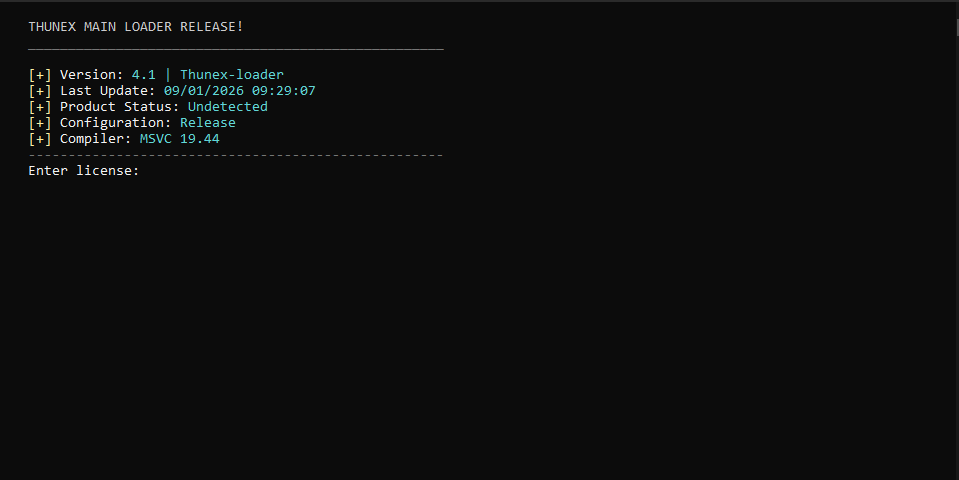
### 🔑 الخطوة 2: إدخال الكود
1. انسخ الكود الخاص فيك
2. الصقه في المكان المخصص
3. اضغط Enter
{% endstep %}
{% step %}
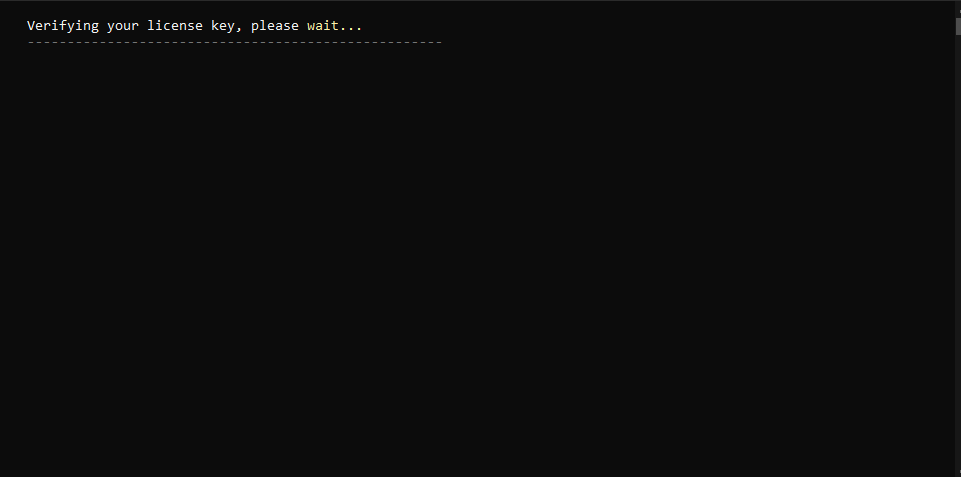
### ⏳ الخطوة 3: التحقق من الكود
{% hint style="info" %}
⏳ انتظر لين يتم التحقق من الكود عادةً يأخذ من دقيقة إلى 10 دقائق حسب اتصالك بالسيرفر
إذا واجهت مشكلة، تقدر تفتح تذكرة و تتواصل مع ادارة ساين.
{% endhint %}
{% endstep %}
{% step %}
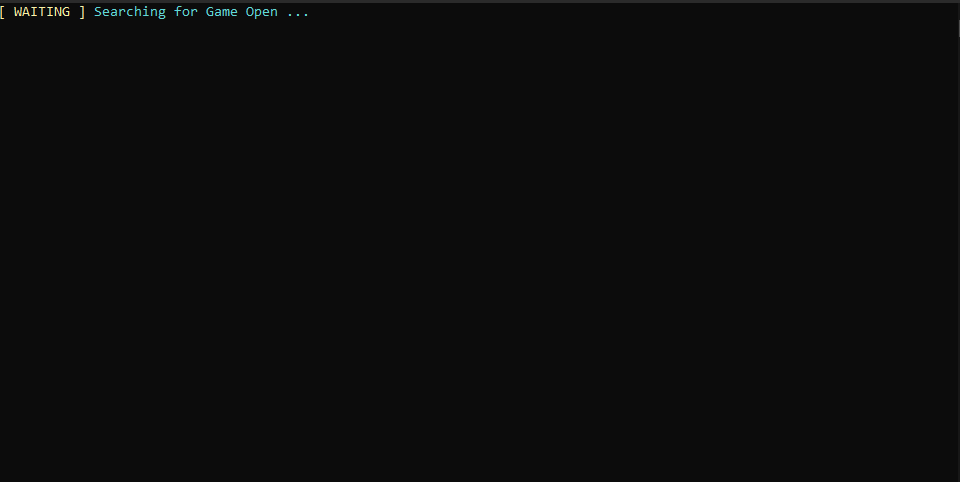
### 🎮 الخطوة 4: تشغيل اللعبة
1. شغّل اللعبة فقط
2. بعد كم ثانية راح تقفل تلقائيًا
3. بعد ما تقفل:
* ❌ لا تشغلها مرة ثانية
* ✅ خلها مقفلة
4. كمل باقي خطوات اللودر
{% endstep %}
{% step %}
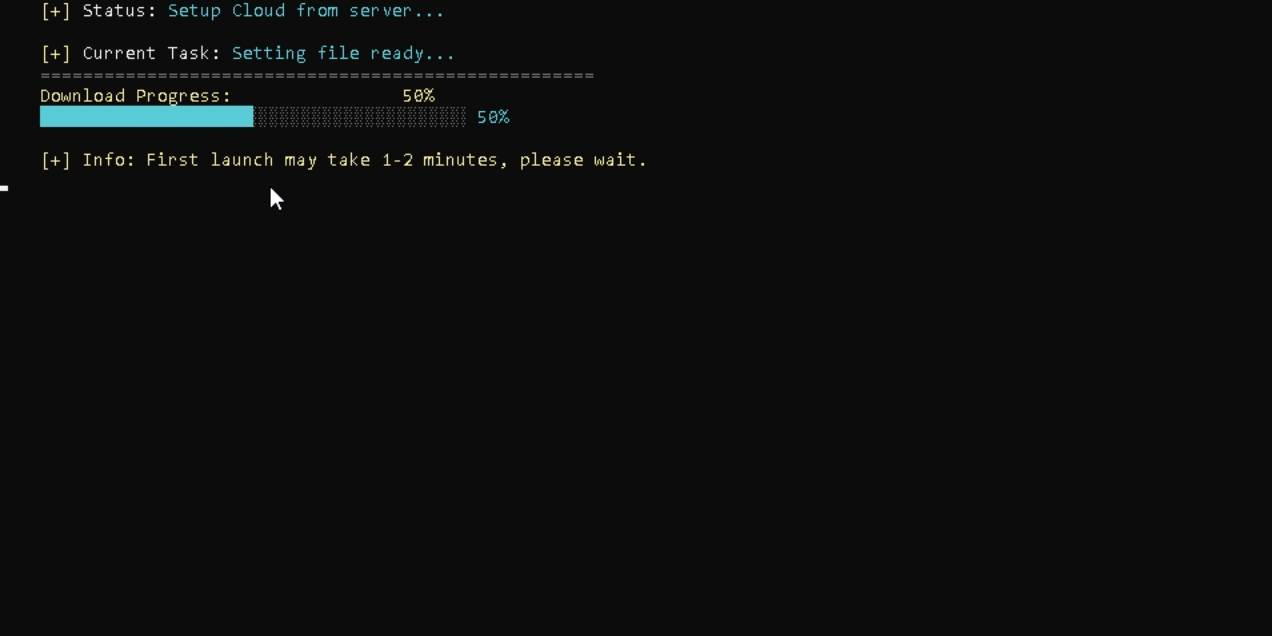
### 📦 الخطوة 5: تحميل الملفات
{% hint style="info" %}
📦 الملفات راح تتحمل تلقائيًا لا تسوي أي شيء، بس انتظر
إذا واجهت مشكلة، تقدر تفتح تذكرة و تتواصل مع ادارة ساين.
{% endhint %}
{% endstep %}
{% step %}
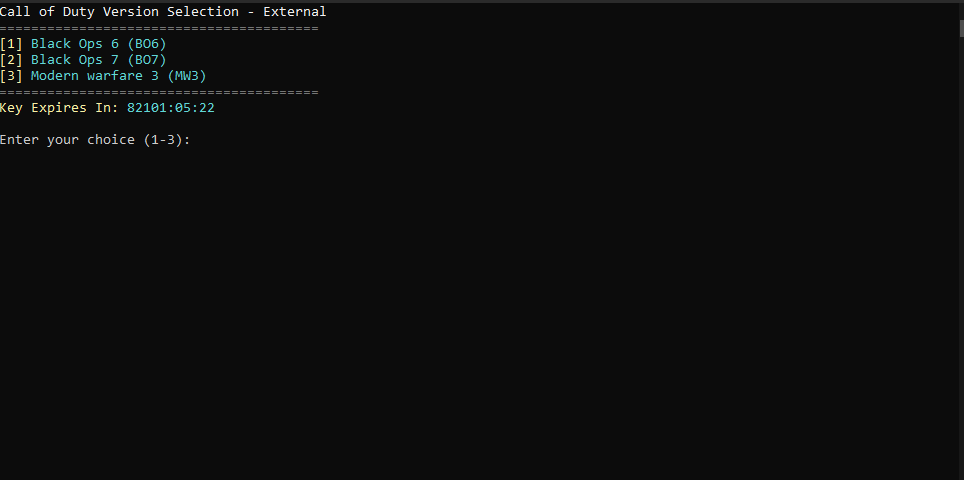
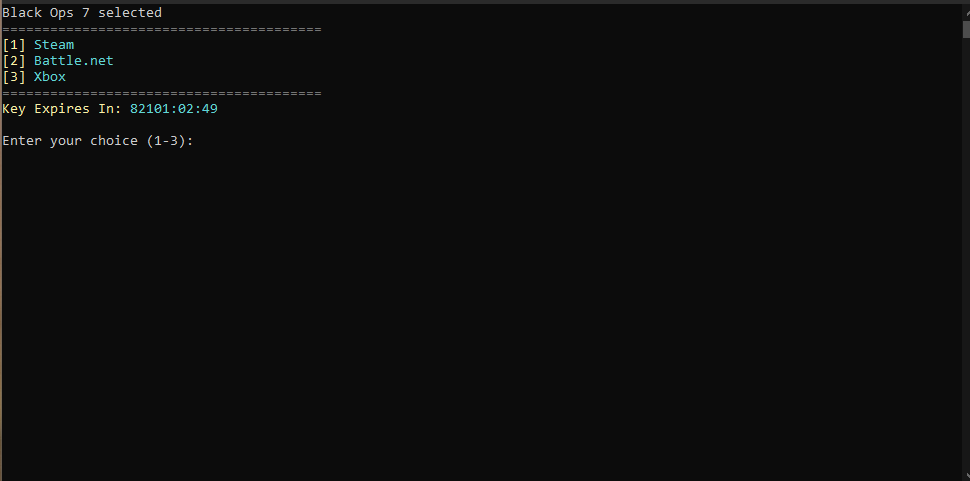
### 🕹️ الخطوة 6: اختيار اللعبة
📌 اكتب الرقم فقط (1 أو 2 أو 3) لا تكتب اسم المنصة، بس الرقم واضغط Enter
{% endstep %}
{% step %}
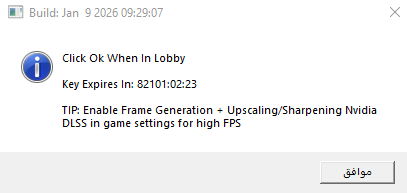
### الخطوة 8: لا تضغط موافق الآن
{% hint style="warning" %}
⚠️ لا تضغط موافق الآن
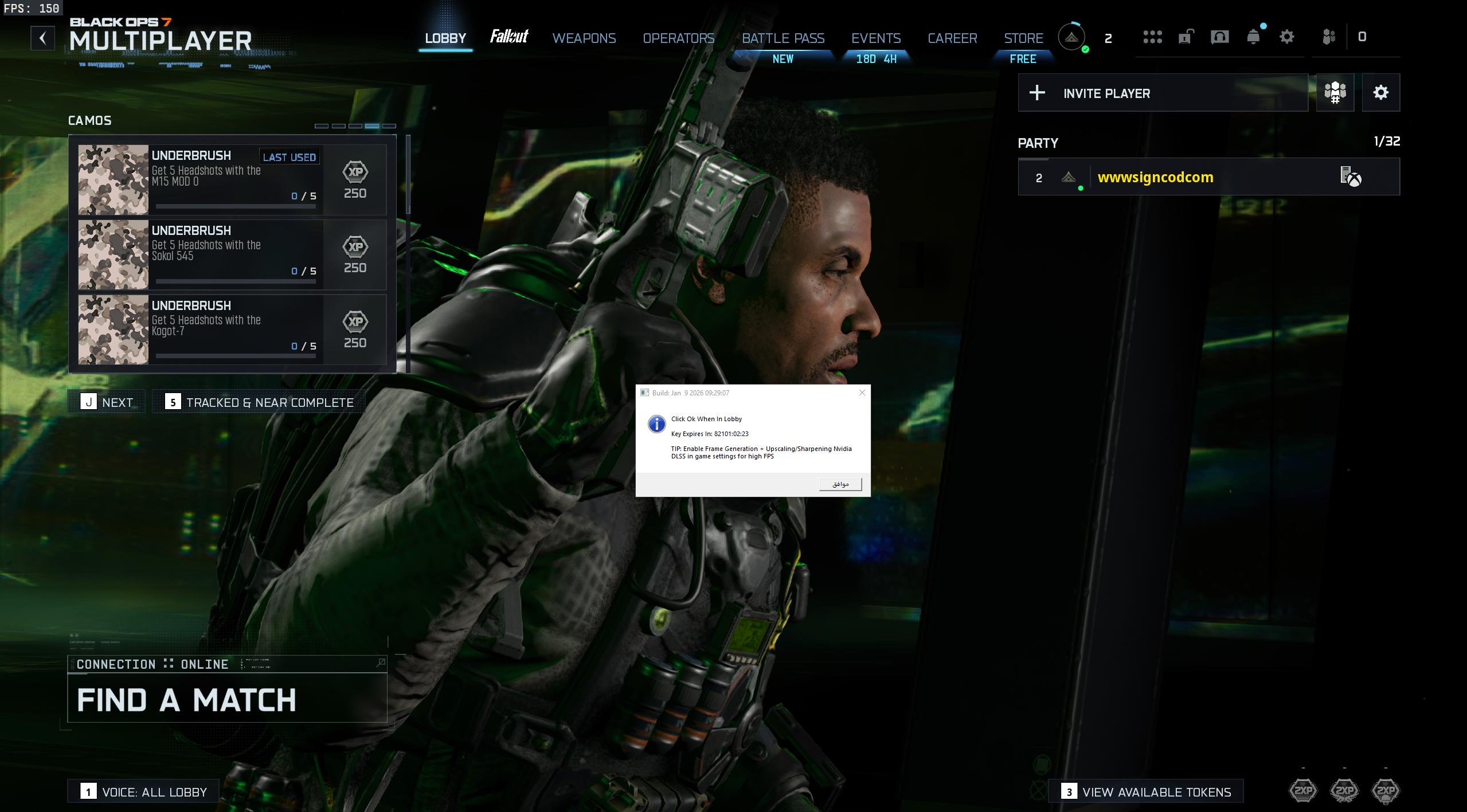
1. شغّل اللعبة
2. ادخل اللوبي
📌 ملاحظة مهمة:\
إذا اللعبة كرشت أو صار لها تحديث أو أعادت تشغيل نفسها:
* سكّر اللعبة
* سكّر اللودر
* شغّل اللودر من جديد وكرر الخطوات
عشان تضمن أفضل نتيجة
{% endhint %}
{% endstep %}
{% step %}
### 🎮 الخطوة 9: داخل اللوبي
قبل ما تضغط موافق، يفضّل تطبق إعدادات الجرافيكس
[🎮 **إعدادات الجرافيكس الموصى بها**](https://docs.signcod.com/arabic/qsm-kwl-awf-dywty/qsm-thwnyks/thwnyks-alkharjy/qsm-almshakl-alshaeah-l-thwnyks/almshklh-althanyh-2)
بعدها:
1. اضغط موافق
2. راح يظهر المنيو مباشرة
🔘 زر إظهار / إخفاء المنيو:\
Insert
{% endstep %}
{% step %}
### ✅ انتهينا
كل شيء صار جاهز 🙌\
إذا طبّقت الخطوات صح، راح يشتغل معك بدون مشاكل
[💬 **دسكورد ساين**](https://discord.gg/siin)\
[🌐 **موقع ساين الرسمي**](https://siincods.com/)
{% endstep %}
{% endstepper %}