> For the complete documentation index, see [llms.txt](https://docs.signcod.com/llms.txt). Markdown versions of documentation pages are available by appending `.md` to page URLs; this page is available as [Markdown](https://docs.signcod.com/call-of-duty-section/thunex-section/thunex-external/how-to-install-thunex.md).
# How to Install Thunex
***
## ✅ Before You Start⚠️ Make sure you complete all basic requirements before starting.
[🧩 Open Basic Requirements](https://docs.signcod.com/individual-guides/basic/basic-pc-requirements)---\
\
{% stepper %}
{% step %}
### 📥 Step 1: Download Loader
[🚀 **Download Thunex Loader**](https://mega.nz/folder/r89TgQLb#lwDeuDq6RSJPBm5RPMXq3g)
{% hint style="warning" %}
⚠️ After downloading, run the loader as \*\*Administrator\*\* (Right Click → Run as Administrator)
{% endhint %}
{% endstep %}
{% step %}
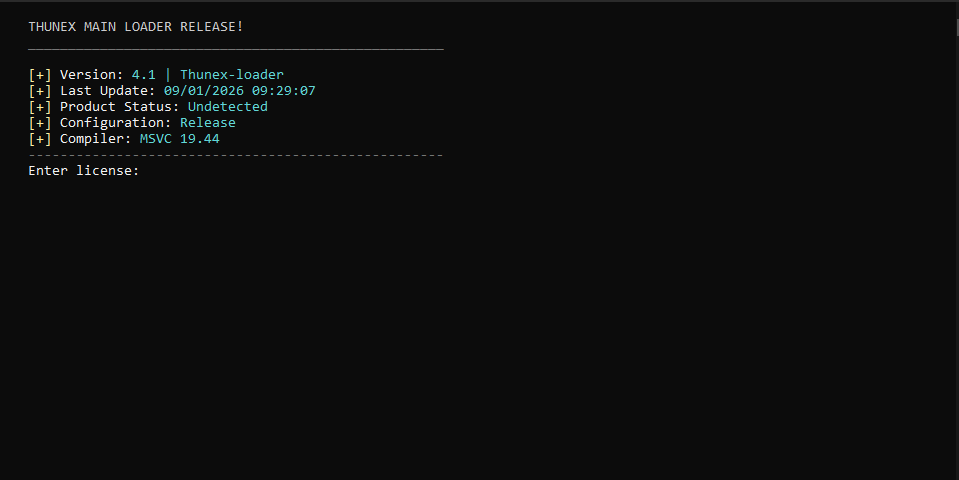
### 🔑 Step 2: Enter License Key
1. Copy your license key
2. Paste it into the input field
3. Press **Enter**
{% endstep %}
{% step %}
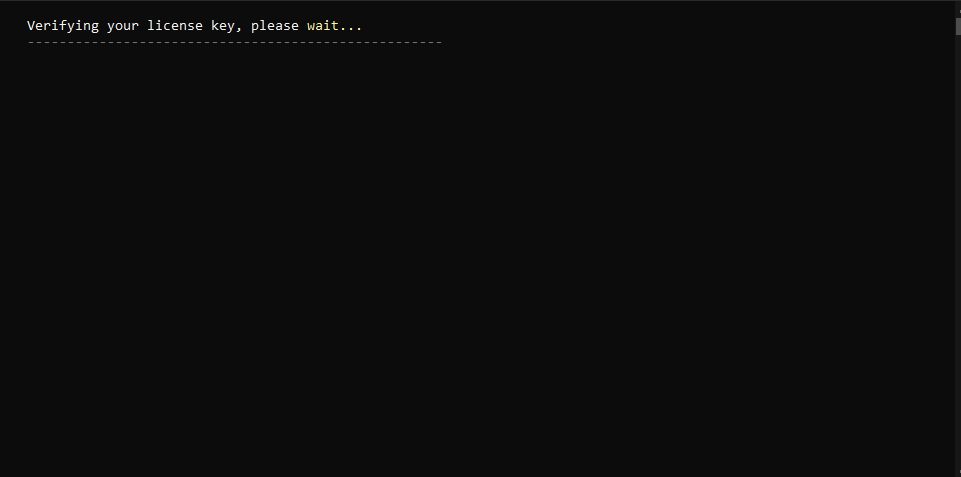
### ⏳ Step 3: License Verification
{% hint style="info" %}
⏳ Please wait while your license is being verified. This usually takes \*\*1 to 10 minutes\*\*, depending on server status.
If you face any issue, you can open a support ticket.
{% endhint %}
{% endstep %}
{% step %}
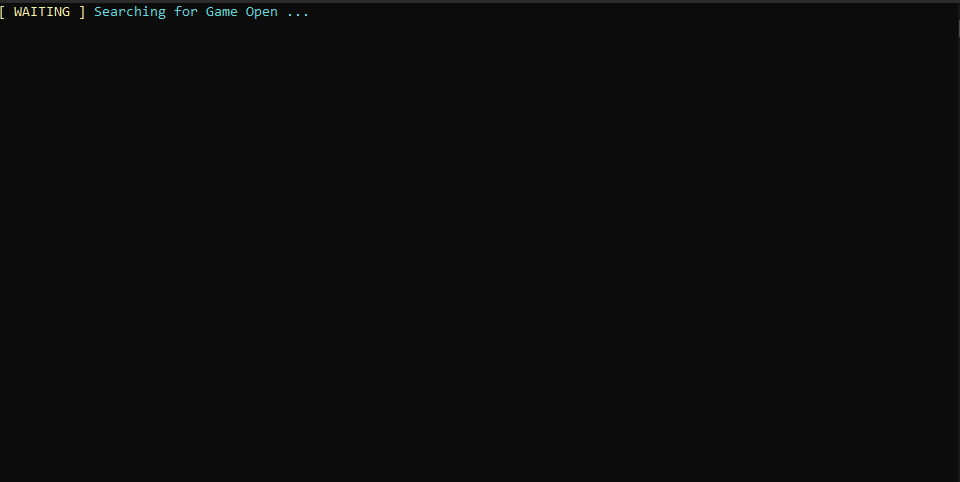
### 🎮 Step 4: Launch Game
1. Launch the game only.
2. After a few seconds, the game will **close automatically**.
3. Once it closes:
* ❌ Do NOT reopen the game
* ✅ Leave it closed
4. Continue with the loader steps.
{% endstep %}
{% step %}
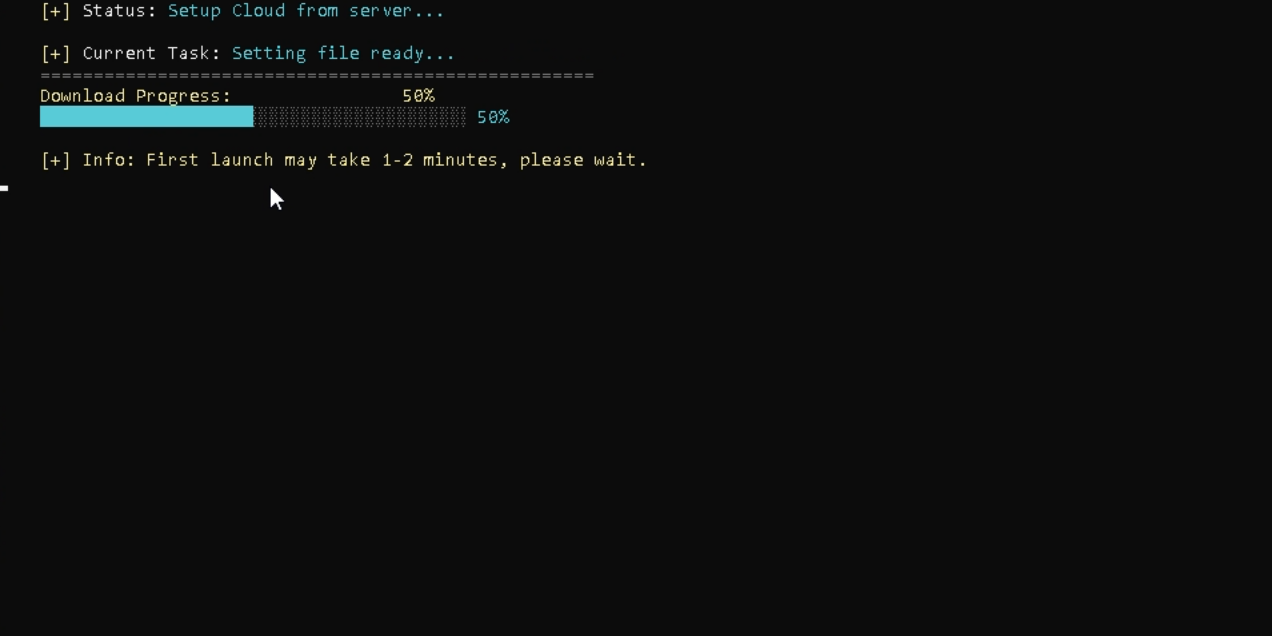
### 📦 Step 5: Downloading Files
{% hint style="info" %}
📦 Files will download automatically. Do not click anything, just wait.
If you face any issue, open a support ticket.
{% endhint %}
{% endstep %}
{% step %}
### 🕹️ Step 6: Select Game
Choose your game:
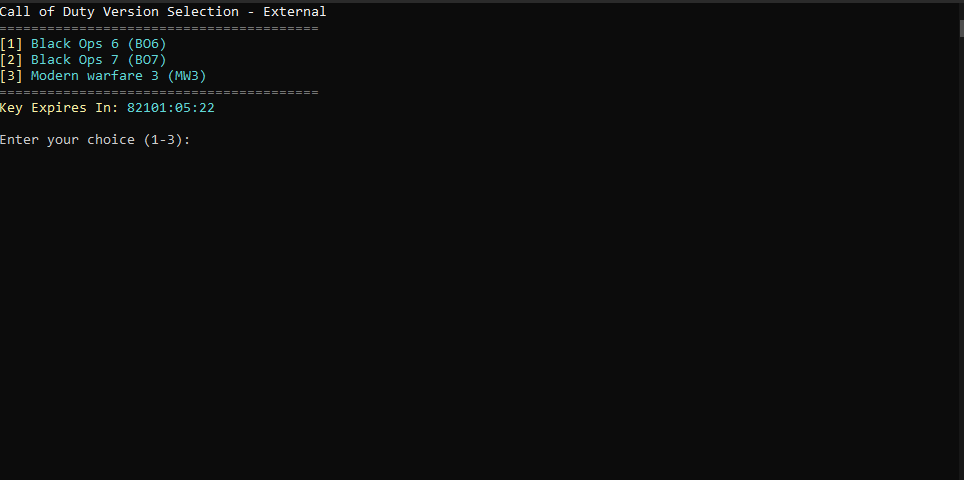
1. Black Ops 6
2. Black Ops 7
3. Modern Warfare
📌 Type the number only (1, 2, or 3) Do NOT type the game name, just enter the number and press Enter.
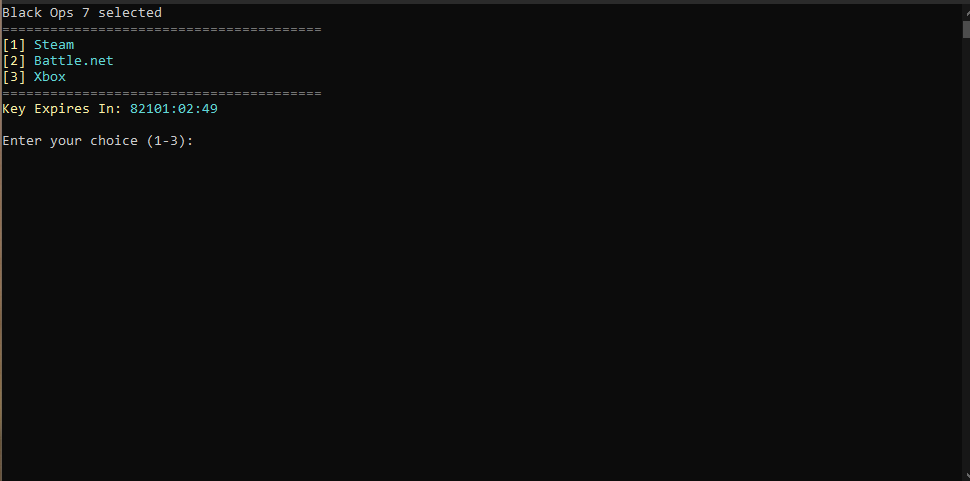
Choose your platform:
1. Steam
2. Battle.net
3. Xbox
📌 Type the number only (1, 2, or 3) Do NOT type the platform name, just enter the number and press Enter.
{% endstep %}
{% step %}
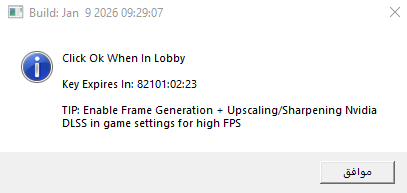
### ⛔ Step 8: Do Not Click OK Yet
{% hint style="warning" %}
⚠️ Do NOT click OK yet.
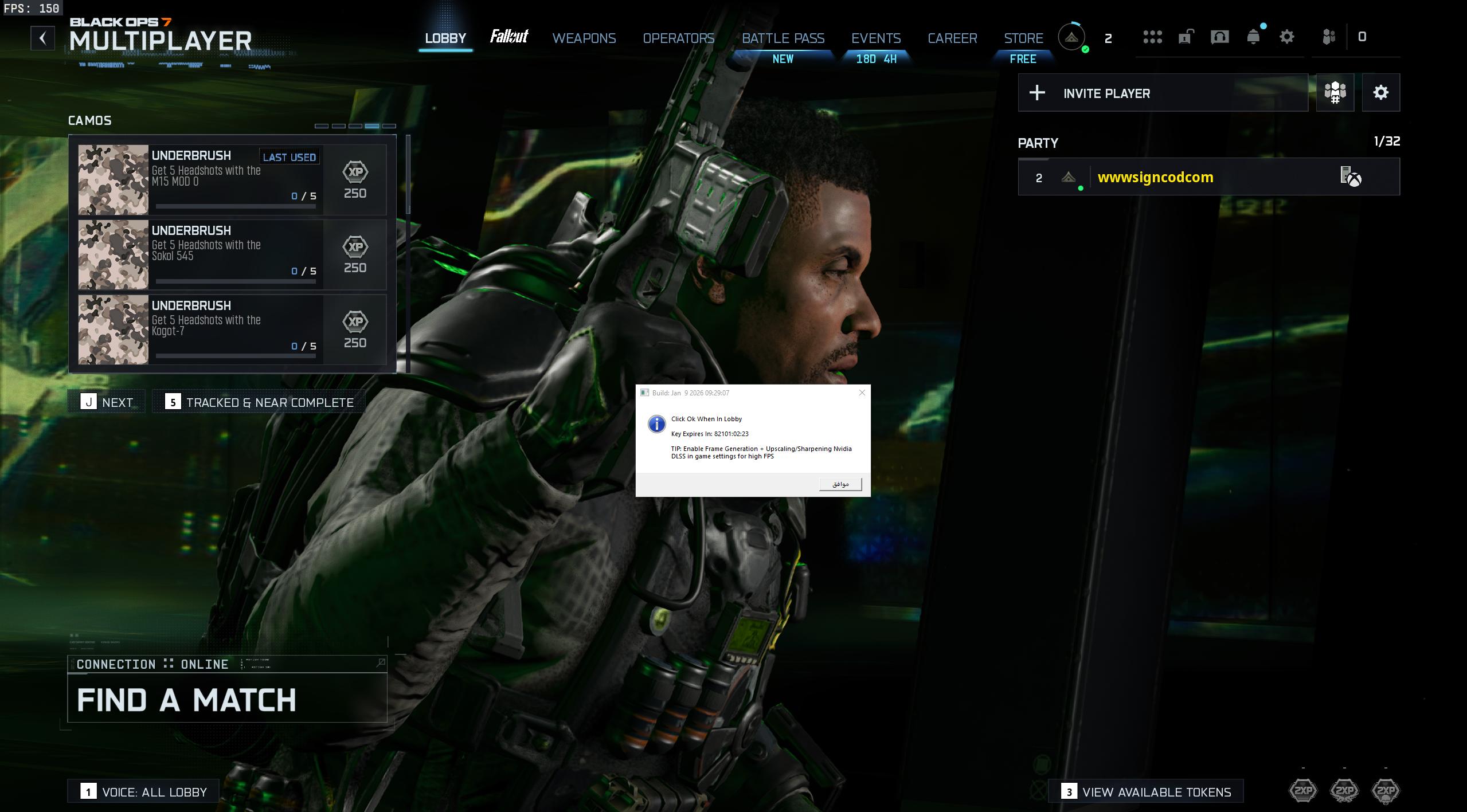
1. Launch the game
2. Enter the lobby
If the game crashes, updates, or restarts:
* Close the game
* Close the loader
* Reopen the loader and repeat
This ensures best results.
{% endhint %}
{% endstep %}
{% step %}
### 🎮 Step 9: Inside the Lobby
Before clicking OK, apply recommended graphics settings.
[🎮 **Recommended Graphics Settings**](https://docs.signcod.com/call-of-duty-section/thunex-section/thunex-external/common-issues-for-thunex/second-issues-2)
After that:
1. Click OK
2. Menu will appear instantly
🔘 Menu Toggle Key:\
Insert
{% endstep %}
{% step %}
### ✅ Done
Everything is ready.\
Follow the steps correctly and Thunex will run smoothly.
[💬 **Sign Discord**](https://discord.gg/siin)\
[🌐 **Official Sign Website**](https://siincods.com/)
{% endstep %}
{% endstepper %}