> For the complete documentation index, see [llms.txt](https://docs.signcod.com/llms.txt). Markdown versions of documentation pages are available by appending `.md` to page URLs; this page is available as [Markdown](https://docs.signcod.com/games/modern-warfare-4/aim-assist/controller/presets.md).

# ⁧إعدادات جاهزة⁩

<p align="right">⁧اختر إحدى المجموعتين، ثم طبّق الصور الثلاث بالترتيب. تتغير صورة الكنترول والتصويب فقط؛ إعدادات العرض ومجال الرؤية واحدة في المجموعتين.⁩</p>

<p align="right">⁧<mark style="color:$secondary;"><strong>تنبيه:</strong></mark> تسمية «آمنة» تشير إلى إعدادات أخف، ولا تعني ضمان تجنّب الحظر.⁩</p>

{% tabs %}
{% tab title="⁧إعدادات آمنة (خفيفة)⁩" %}

<p align="right">⁧ابدأ بهذه الإعدادات الخفيفة. طبّق الصورة الأولى، ثم أكمل صور العرض ومجال الرؤية.⁩</p>

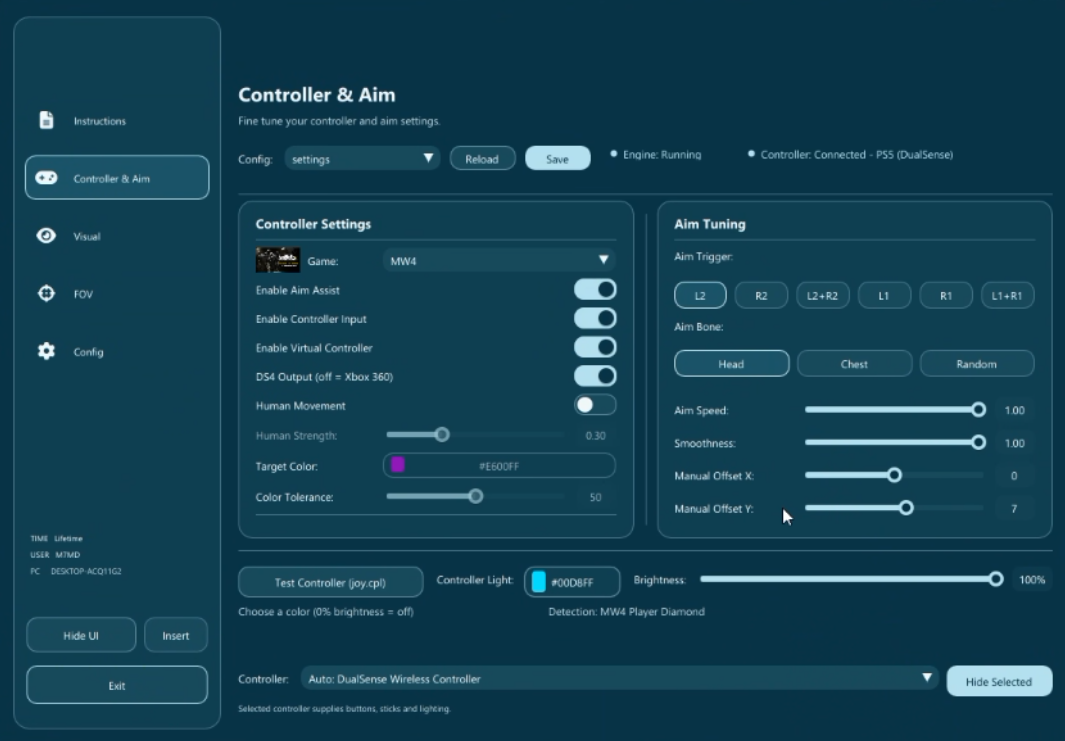
<h3 id="id-1-alkntrwl-waltswyb" align="right">⁧١ · الكنترول والتصويب⁩</h3>

<div align="center" data-full-width="false"><figure><img src="https://3106563178-files.gitbook.io/~/files/v0/b/gitbook-x-prod.appspot.com/o/spaces%2F6H76Ihphpr6NjelUu4Lf%2Fuploads%2FDFS7hsOOk9zdGTnVXqYJ%2Faim-assist-c1.png?alt=media" alt="إعدادات الكنترول الخفيفة."><figcaption><p align="right">⁧إعدادات الكنترول الخفيفة.⁩</p></figcaption></figure></div>

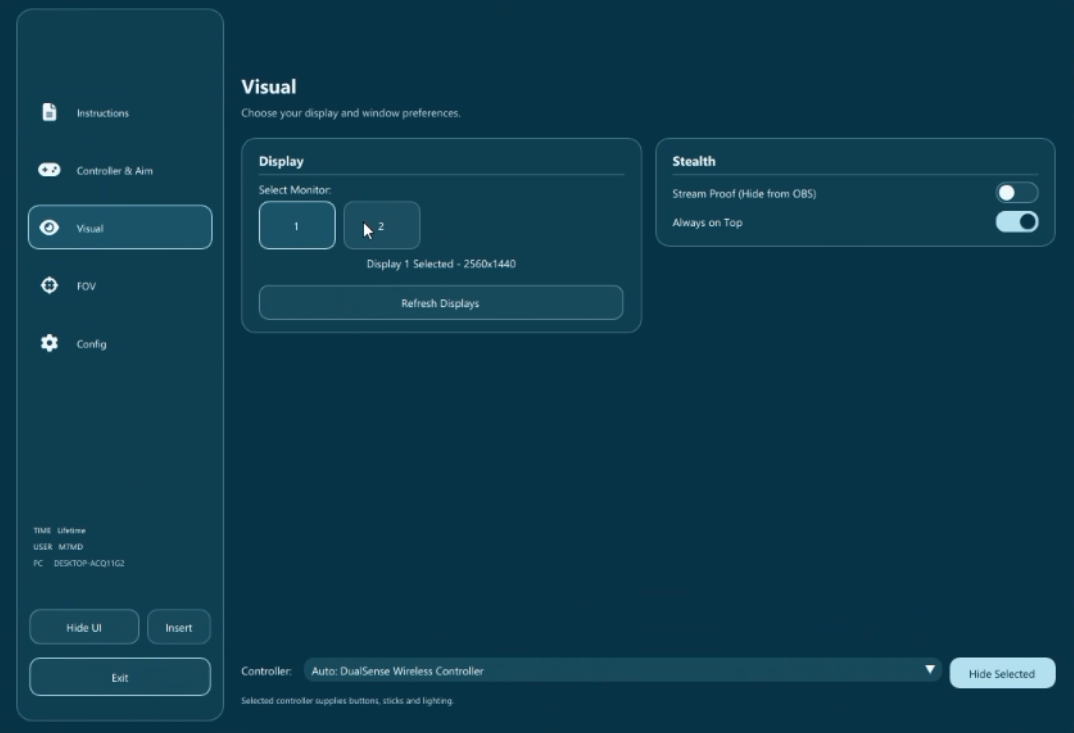
<h3 id="id-2-alardh" align="right">⁧٢ · العرض⁩</h3>

<p align="right">⁧طابق خيارات العرض مع الصورة التالية.⁩</p>

<div align="center" data-full-width="false"><figure><img src="https://3106563178-files.gitbook.io/~/files/v0/b/gitbook-x-prod.appspot.com/o/spaces%2F6H76Ihphpr6NjelUu4Lf%2Fuploads%2FDhwzbp41Vraiut8N7V77%2Faim-assist-c2.png?alt=media" alt="إعدادات العرض المشتركة بين المجموعتين."><figcaption><p align="right">⁧إعدادات العرض المشتركة بين المجموعتين.⁩</p></figcaption></figure></div>

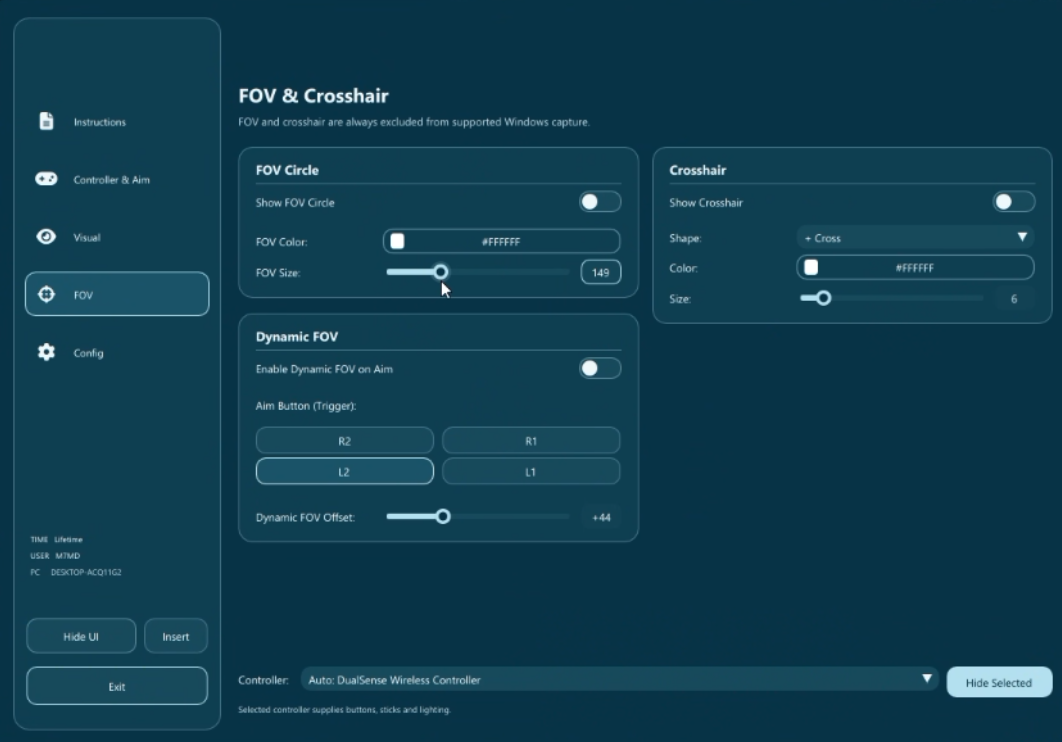
<h3 id="id-3-mjal-alruyh-wmushr-altswyb" align="right">⁧٣ · مجال الرؤية ومؤشر التصويب⁩</h3>

<p align="right">⁧طبّق خيارات مجال الرؤية ومؤشر التصويب كما تظهر في الصورة.⁩</p>

<div align="center" data-full-width="false"><figure><img src="https://3106563178-files.gitbook.io/~/files/v0/b/gitbook-x-prod.appspot.com/o/spaces%2F6H76Ihphpr6NjelUu4Lf%2Fuploads%2FavcXBWEIHxTPPKhqNhms%2Faim-assist-c3.png?alt=media" alt="إعدادات مجال الرؤية ومؤشر التصويب المشتركة."><figcaption><p align="right">⁧إعدادات مجال الرؤية ومؤشر التصويب المشتركة.⁩</p></figcaption></figure></div>
{% endtab %}

{% tab title="⁧إعدادات كاملة⁩" %}

<p align="right">⁧إعدادات أقوى للكنترول. طبّق الصورة الأولى أدناه، ثم أكمل صور العرض ومجال الرؤية.⁩</p>

<h3 id="id-1-alkntrwl-waltswyb-1" align="right">⁧١ · الكنترول والتصويب⁩</h3>

<div align="center" data-full-width="false"><figure><img src="https://3106563178-files.gitbook.io/~/files/v0/b/gitbook-x-prod.appspot.com/o/spaces%2F6H76Ihphpr6NjelUu4Lf%2Fuploads%2FlrphKoe1WXZQIu3hIMus%2Faim-assist-c4.png?alt=media" alt="إعدادات الكنترول الكاملة."><figcaption><p align="right">⁧إعدادات الكنترول الكاملة.⁩</p></figcaption></figure></div>

<h3 id="id-2-alardh-1" align="right">⁧٢ · العرض⁩</h3>

<p align="right">⁧طابق خيارات العرض مع الصورة التالية.⁩</p>

<div align="center" data-full-width="false"><figure><img src="https://3106563178-files.gitbook.io/~/files/v0/b/gitbook-x-prod.appspot.com/o/spaces%2F6H76Ihphpr6NjelUu4Lf%2Fuploads%2FDhwzbp41Vraiut8N7V77%2Faim-assist-c2.png?alt=media" alt="إعدادات العرض المشتركة بين المجموعتين."><figcaption><p align="right">⁧إعدادات العرض المشتركة بين المجموعتين.⁩</p></figcaption></figure></div>

<h3 id="id-3-mjal-alruyh-wmushr-altswyb-1" align="right">⁧٣ · مجال الرؤية ومؤشر التصويب⁩</h3>

<p align="right">⁧طبّق خيارات مجال الرؤية ومؤشر التصويب كما تظهر في الصورة.⁩</p>

<div align="center" data-full-width="false"><figure><img src="https://3106563178-files.gitbook.io/~/files/v0/b/gitbook-x-prod.appspot.com/o/spaces%2F6H76Ihphpr6NjelUu4Lf%2Fuploads%2FavcXBWEIHxTPPKhqNhms%2Faim-assist-c3.png?alt=media" alt="إعدادات مجال الرؤية ومؤشر التصويب المشتركة."><figcaption><p align="right">⁧إعدادات مجال الرؤية ومؤشر التصويب المشتركة.⁩</p></figcaption></figure></div>
{% endtab %}
{% endtabs %}

<h3 id="support" align="right">⁧تحتاج مساعدة؟⁩</h3>

<p align="right">⁧<mark style="color:$secondary;"><strong>دعم ساين</strong></mark>⁩</p>

<p align="right">⁧افتح تذكرة في الدسكورد وأرسل اسم الصفحة والخطوة التي توقفت عندها وصورة للمشكلة.⁩</p>

<p align="right"><a href="https://discord.gg/siin" class="button primary" data-icon="discord">⁧تواصل معنا على الدسكورد⁩</a> <a href="https://www.signcod.com/ar" class="button secondary" data-icon="globe">⁧موقع ساين الرسمي⁩</a></p>


---

# Agent Instructions
This documentation is published with GitBook. GitBook is the documentation platform designed so that both humans and AI agents can read, navigate, and reason over technical content effectively. Learn more at gitbook.com.

## Querying This Documentation
If you need additional information that is not directly available in this page, you can query the documentation by asking a question.

Perform an HTTP GET request on the following URL with the `ask` and `goal` query parameters:

```
GET https://docs.signcod.com/games/modern-warfare-4/aim-assist/controller/presets.md?ask=<question>&goal=<user_goal>
```

`ask` is the immediate question: it should be specific, self-contained, and written in natural language.
`goal` is what the user is ultimately trying to achieve, the reason they need the answer. Sharing it helps GitBook give you a better, more relevant answer. A goal is most helpful when it describes the outcome the user wants rather than restating the question. For example, with `ask=how do I create an API token`, a goal like `automate deployments from our CI pipeline` lets GitBook tailor the answer to that use case.

The response will contain a direct answer to the question and relevant excerpts and sources from the documentation.

Use this mechanism when the answer is not explicitly present in the current page, you need clarification or additional context, or you want to retrieve related documentation sections.